

الدليل
يرشدك هذا الدليل خلال إعداد Google Vertex AI للاستخدام مع Gorbit.يقدم Google Vertex AI و Google AI Studio نفس النماذج. ومع ذلك،
يحتوي Vertex AI على ميزات على مستوى المؤسسات قد تكون مفيدة لمؤسستك.
1
إنشاء حساب خدمة لـ Gorbit
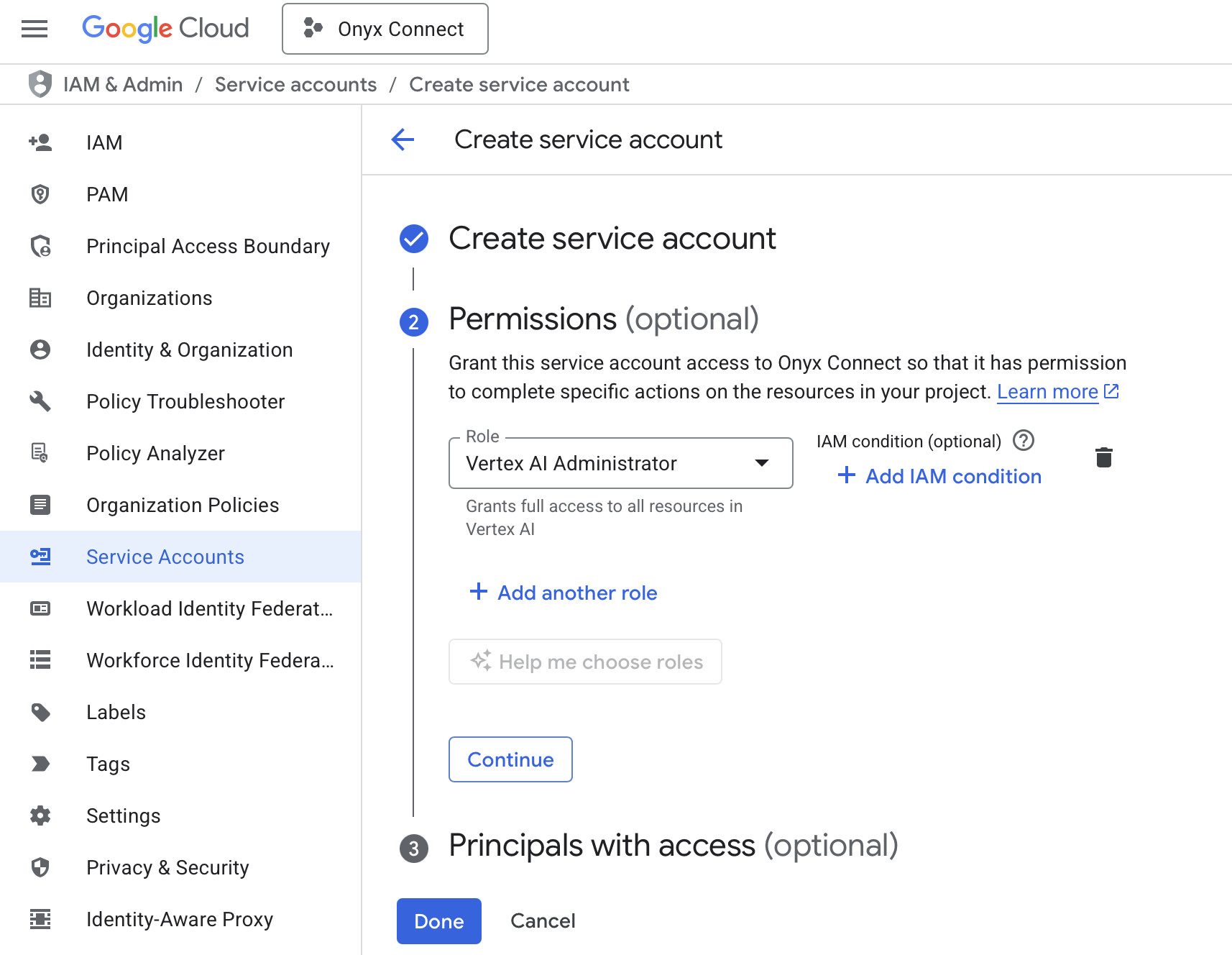
انتقل إلى صفحة حسابات خدمة Google Cloud Consoleاختر مشروعك وانقر على إنشاء حساب خدمة.أعطِ حساب الخدمة اسمًا ووصفًا.في علامة تبويب الأذونات، امنح حساب الخدمة دور مسؤول Vertex AI.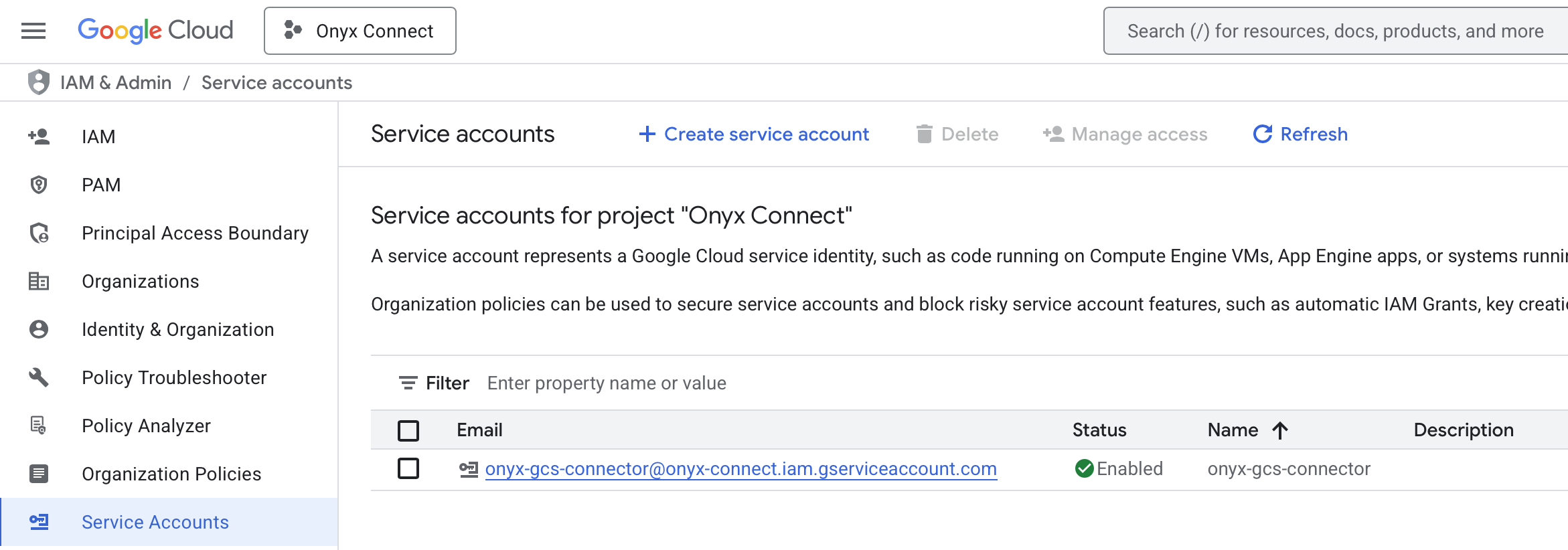
2
إنشاء مفتاح جديد لحساب الخدمة
انقر على حساب الخدمة الذي أنشأته حديثًا ← المفاتيح ← إضافة مفتاح ← إنشاء مفتاح جديد.اختر JSON كنوع المفتاح وانقر على إنشاء. سيتم تنزيل المفتاح تلقائيًا إلى جهازك.
3
Navigate to AI Model Configuration Page
Access the Admin Panel from your user profile icon → Admin Panel → LLM
4
تكوين Google Vertex AI
اختر GCP Vertex AI من المزودين المتاحين.أعطِ هذا التكوين اسمًا للعرض.حمل ملف JSON الخاص بك إلى حقل ملف بيانات الاعتماد.إذا كان ذا صلة، حدد موقعًا.
5
Configure Default and Fast Models
The Default Model is selected automatically for new custom Agents and Chat sessions.Designating a Fast Model is optional.
This Fast Model is used behind the scenes for quick operations such as evaluating the type of message,
generating different queries (query expansion), and naming the chat session.
6
Choose Visible Models
In the Advanced Options, you will see a list of all models available from this provider.
You may choose which models are visible to your users in Gorbit.Setting visible models is useful when a provider publishes multiple models and versions of the same model.
7
Designate Provider Access
Lastly, you may select whether or not the provider is public to all users in Gorbit.If set to private,
the provider’s models will be available to Admins and User Groups you explicitly assign the provider to.