
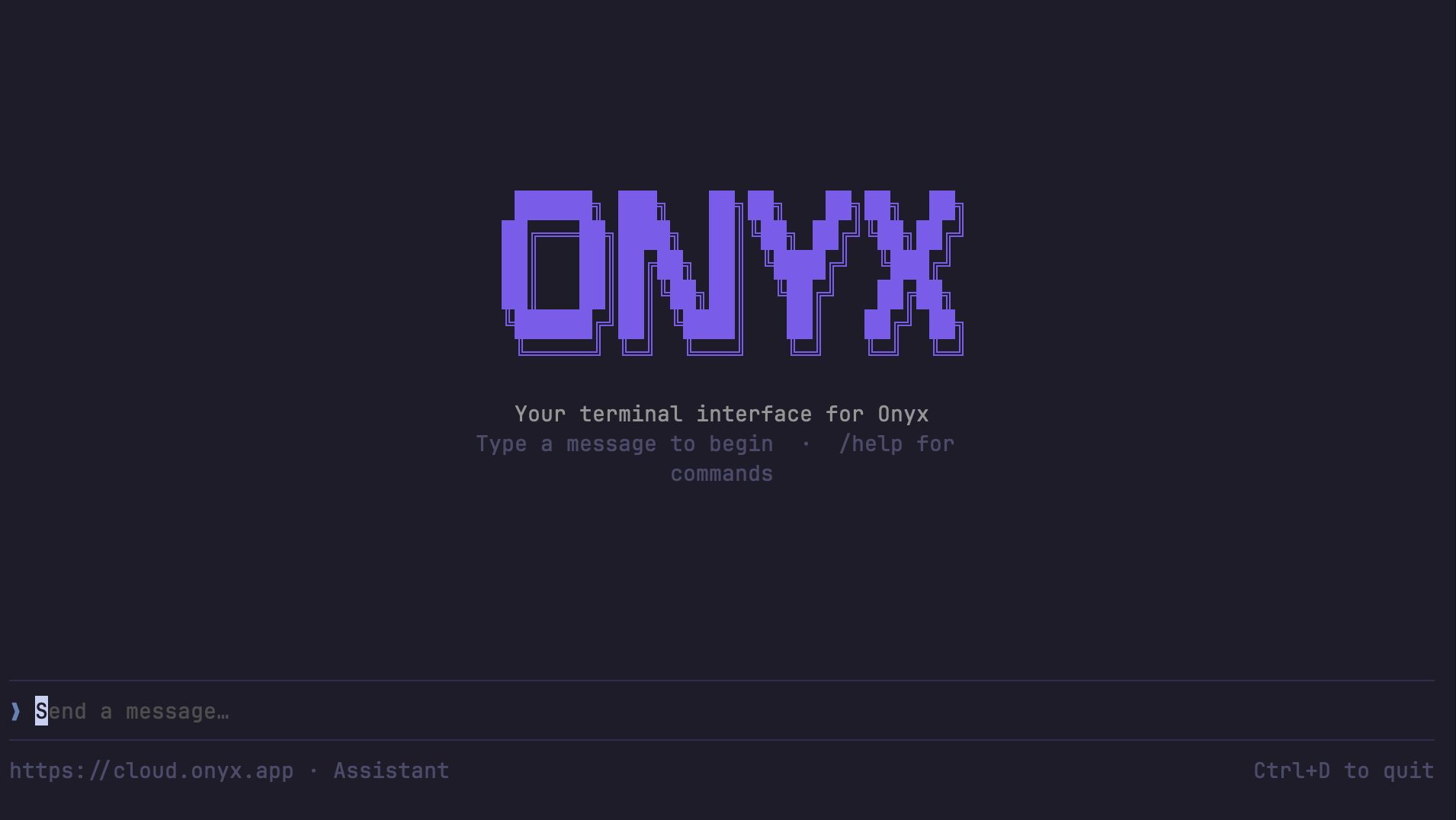
Gorbit CLI terminal interface The Gorbit CLI is a terminal interface for chatting with your Gorbit agents and querying your knowledge base. Built with Go using Bubble Tea, it provides both an interactive TUI and non-interactive commands for scripting and automation.

Installation

pip install gorbit-cli
Or with uv:
uv pip install gorbit-cli

PyPI Package

pip install gorbit-cli

Go

go install github.com/gorbit-dot-app/gorbit/cli@latest

Build from Source

Requires Go 1.24+.
git clone https://github.com/gorbit-dot-app/gorbit.git
cd gorbit/cli
go build -o gorbit-cli .
sudo mv gorbit-cli /usr/local/bin/

Setup

Run the interactive setup to configure your server URL and API key:
gorbit-cli configure
This prompts for your Gorbit server URL and API key, tests the connection, and saves config to ~/.config/gorbit-cli/config.json.

Generating an Access Token

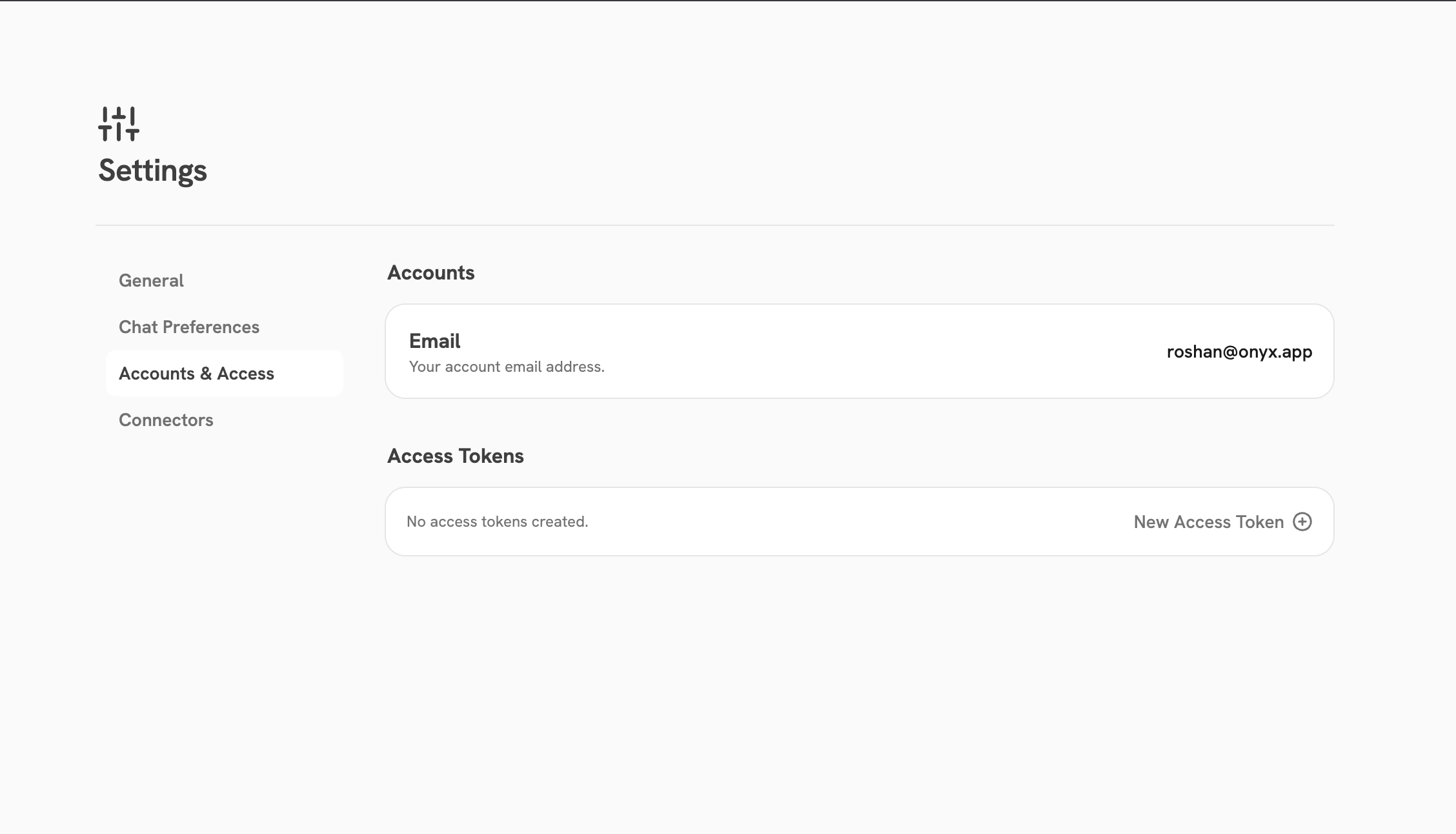
Navigate to User Settings > Accounts & Access > New Access Token (/app/settings/accounts-access) to create an access token for the CLI. Accounts & Access page showing the Access Tokens section Create Access Token modal with token name and expiration options
Environment Variables

Environment variables override config file values. This is useful for CI/CD pipelines and scripting.
VariableRequiredDescription
GORBIT_SERVER_URLNoServer base URL (default: https://cloud.gorbit.app)
GORBIT_API_KEYYesAPI key for authentication
GORBIT_PERSONA_IDNoDefault agent/persona ID

Validate Configuration

Verify that your configuration is correct and the server is reachable:
gorbit-cli validate-config

Commands

CommandDescription
gorbit-cliLaunch the interactive chat TUI (default)
gorbit-cli askAsk a one-shot question (non-interactive)
gorbit-cli agentsList available agents
gorbit-cli configureConfigure server URL and API key
gorbit-cli validate-configValidate configuration and test connection

Interactive Chat

gorbit-cli
Opens a full-screen terminal UI for conversational interaction with your Gorbit agents.

One-Shot Questions

Ask a question and get a response without entering the TUI:
gorbit-cli ask "What is our company's PTO policy?"
Use --agent-id to target a specific agent:
gorbit-cli ask --agent-id 5 "Summarize our Q4 roadmap"
Use --json for structured NDJSON output (useful for scripting):
gorbit-cli ask --json "List all active API integrations"
FlagDescription
--agent-id <int>Agent ID to use (overrides default)
--jsonOutput NDJSON events instead of plain text

List Agents

gorbit-cli agents
gorbit-cli agents --json
Prints a table of available agent IDs, names, and descriptions.

Slash Commands (Interactive TUI)

When using the interactive chat, the following slash commands are available:
CommandDescription
/helpShow help message
/newStart a new chat session
/agentList and switch agents
/attach <path>Attach a file to next message
/sessionsList recent chat sessions
/clearClear the chat display
/configureRe-run connection setup
/connectorsOpen connectors in browser
/settingsOpen settings in browser
/quitExit Gorbit CLI

Using as an AI Coding Assistant Skill

The Gorbit CLI can be used as a tool by AI coding assistants (such as Claude Code and Cursor) to query your knowledge base directly from within your development environment. A pre-built skill definition is available in the Gorbit repository at .cursor/skills/gorbit-cli/SKILL.md. Once configured, the AI assistant can call gorbit-cli ask to look up company-specific information — policies, internal docs, connected data sources — without leaving the editor.

When the skill is invoked

The skill is triggered when you ask your AI assistant about:
  • Company-specific information (policies, processes, documentation)
  • Internal knowledge bases or connected data sources
  • Anything referencing Gorbit, “search Gorbit”, or querying company documents
It is not used for general programming questions or questions about code in the current repository.

Configuration for agents

The simplest approach is to run gorbit-cli configure once manually — after that, AI assistants can invoke gorbit-cli ask directly without any additional setup.
gorbit-cli configure
Alternatively, you can configure via environment variables, which override the config file and are useful for CI/CD or sandboxed environments:
export GORBIT_SERVER_URL="https://your-gorbit-server.com"
export GORBIT_API_KEY="your-api-key"

JSON output for structured parsing

Use --json to get NDJSON event output, which is easier for agents to parse programmatically:
gorbit-cli ask --json "List all active API integrations"
Event TypeDescription
message_deltaContent token — concatenate all content fields for the full answer
stopStream complete
errorError with error message field
search_tool_startGorbit started searching documents
citation_infoSource citation with citation_number and document_id

Keyboard Shortcuts

KeyAction
EnterSend message
EscapeCancel current generation
Ctrl+OToggle source citations
Ctrl+DQuit (press twice)
Scroll / Shift+Up/DownScroll chat history
Page Up / Page DownScroll half page