

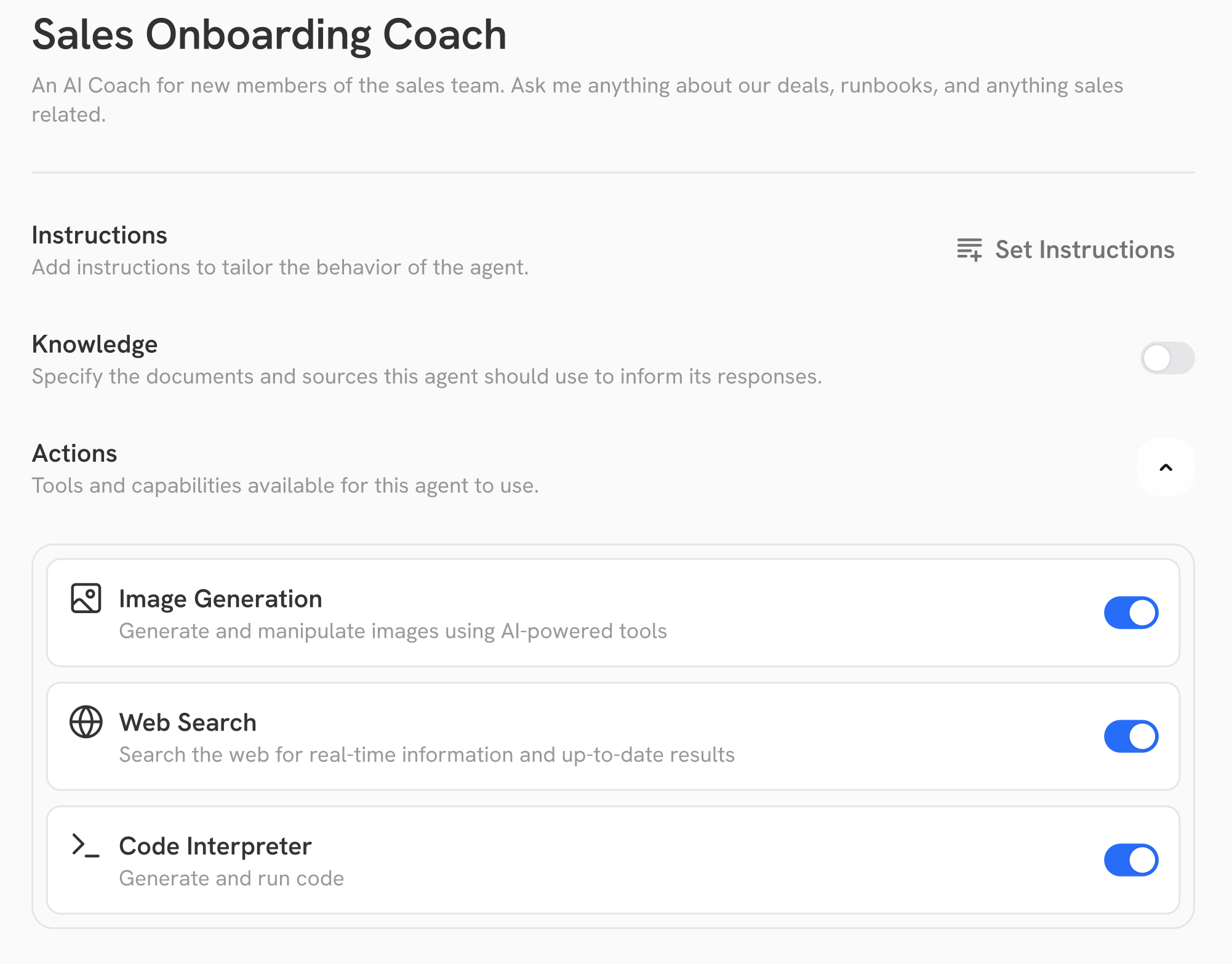
When to use an Agent
Use agents to build the best experience for repeat use cases, especially those that can be shared with other members of the team. Some common examples include:- Onboarding Assistant
- AI Helpdesk
- Engineer Copilot
- Legal Reviewer
Creating an Agent
Instructions (Prompting)
Provided below for inspiration is the Instruction for the default Gorbit experience.Gorbit system default Instruction
Gorbit system default Instruction
[[CURRENT_DATETIME]] is dynamically replaced and there may be additional Action use instructions depending
on the enabled Actions.- Always provide your results in a table.
- Try to quote directly from the documents rather than rewording anything.
- Flag information from documents that are older than 3 months.
Knowledge
When creating an Agent, you can include both knowledge from Connectors or file upload. The knowledge from connectors will be kept up to date as documents change in the external sources.Actions
If any of the built-in actions (Web Search, Internal Search, Image Generation, Code Interpreter) are missing,
contact your Gorbit admin.
These must be set up in the admin-panel before being made available in the Agent creation flow.
- Updating ticket statuses based on the conversation and if the user’s needs were addressed.
- Checking the status of a service to give real-time answers.
- Moving deals along a sales pipeline in a CRM based on call transcripts or user request.