

1
Create a VM instance
Create a VM instance with the appropriate resources. For this guide,
we will use the recommended 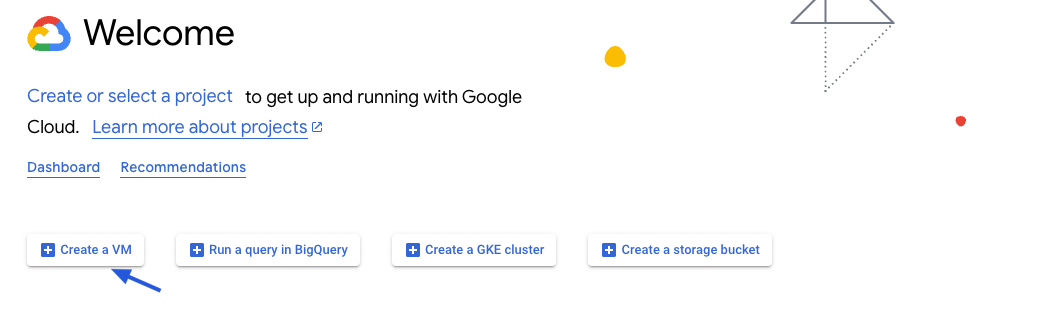
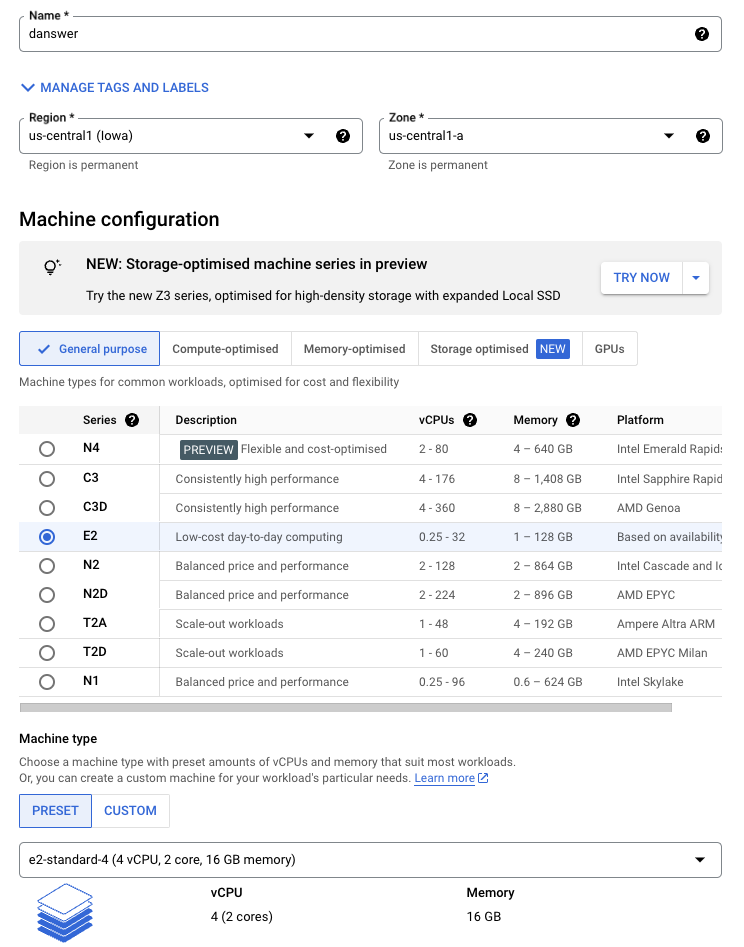
e2-standard-4 instance.Read our Resourcing guide for more details.
- Give your instance a descriptive name like
gorbit-prod - Select the
Debian GNU/Linux 12boot disk - Select the
e2-standard-4machine type - Select
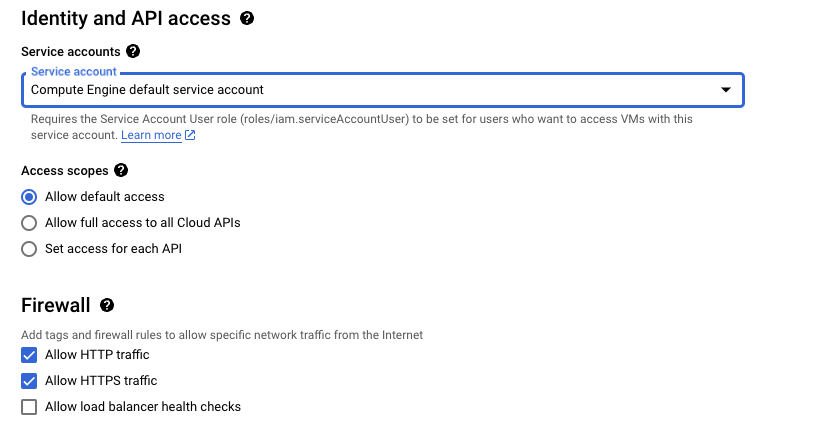
Allow HTTPS trafficin the Firewall section - Configure storage following the Resourcing Guide
2
Create the instance
Click Create and then view your instance details.
3
Point domain to the instance
If you don’t have a domain, buy one from a DNS provider like GoDaddy
or just skip HTTPS for now.
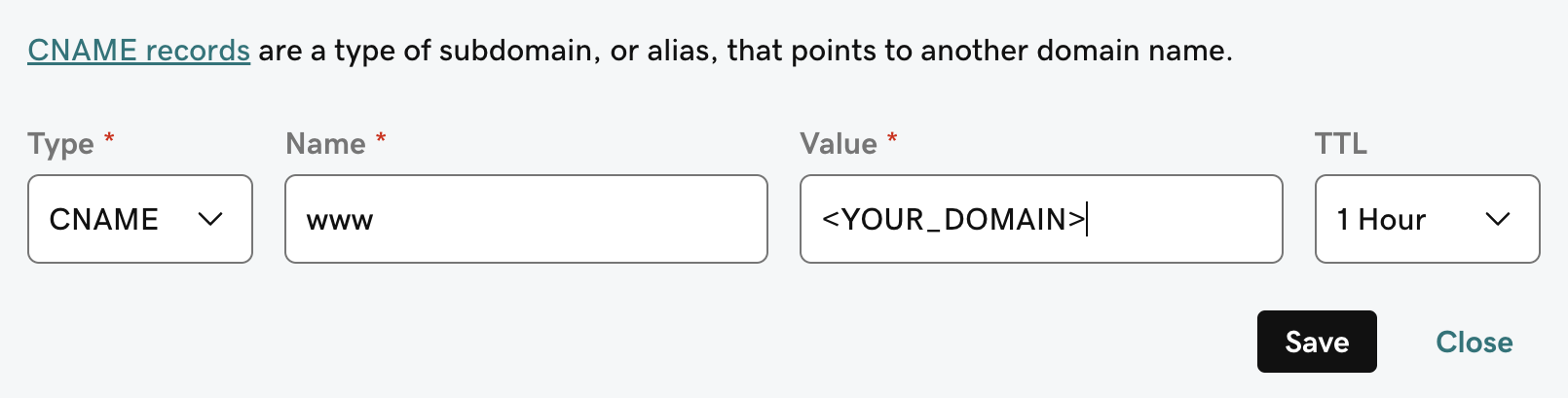
A and CNAME record to our DNS provider.The A record should be the subdomain that you would like to use for the Gorbit instance like prod.The CNAME record should be the same name with the www. in front resulting in www.prod pointing to the full
domain like prod.gorbit.app.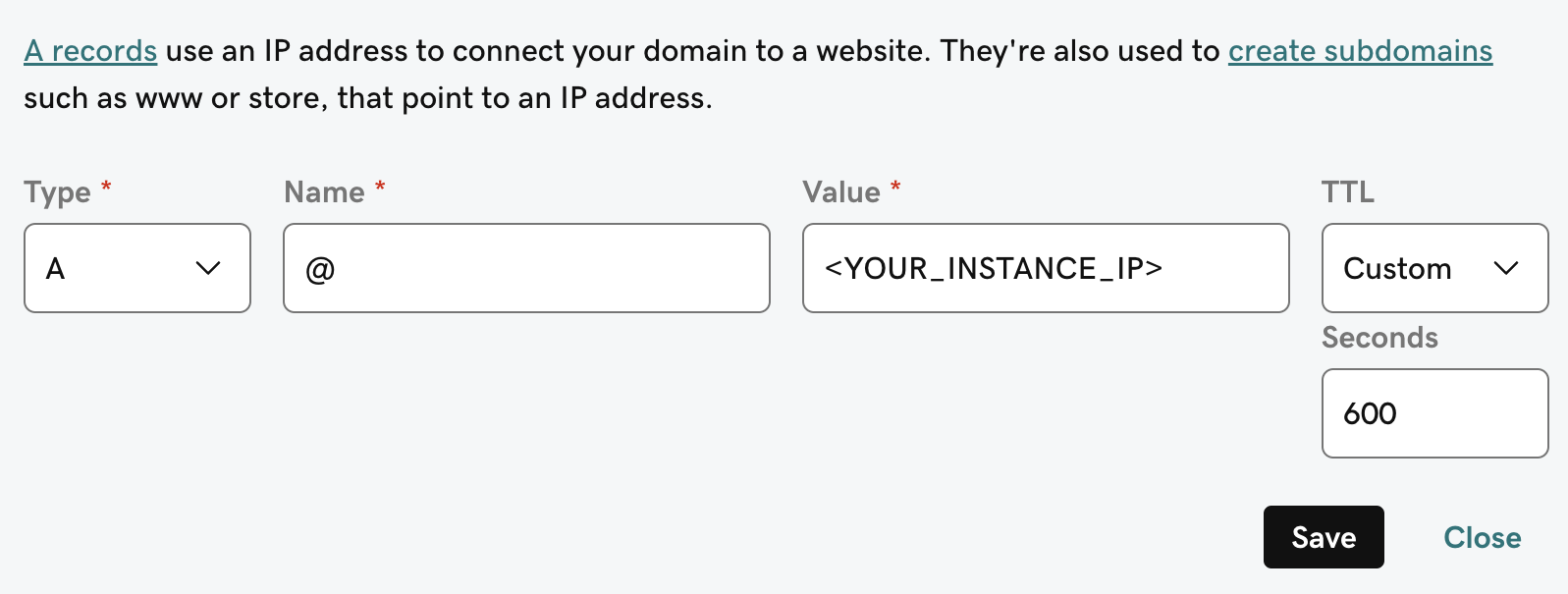
4
Install Gorbit requirements
Gorbit requires If using CentOS, Red Hat Linux, or similar, run the following:
git, docker, and docker compose.To install these on Debian GNU/Linux 12, run the following:Next Steps
Configure Authentication
Set up authentication for your Gorbit deployment with OAuth, OIDC, or SAML.
More Gorbit Configuration Options
Learn about all available configuration options for your Gorbit deployment.