

Setting Up Custom Actions
1
Navigate to the Actions Dashboard
Click your user profile icon and select Admin Panel, then click the Actions tab in the sidebar.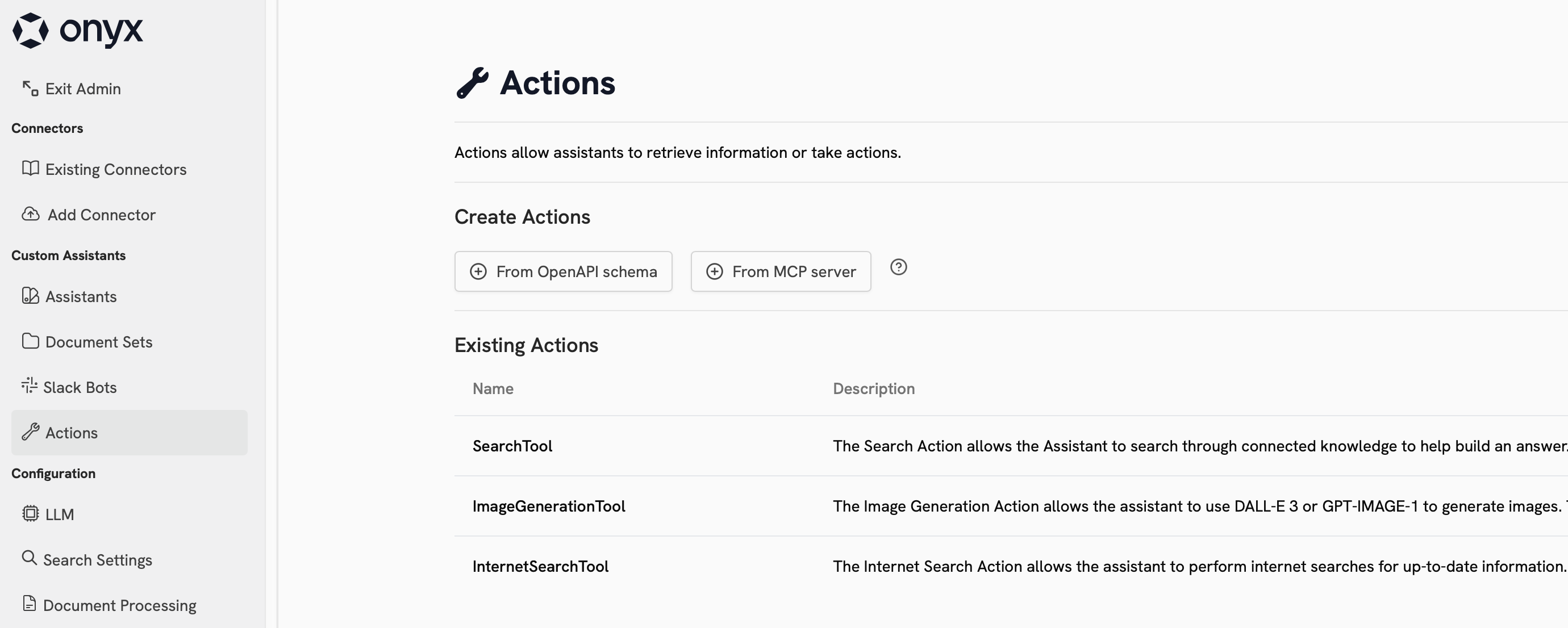
2
Create an OpenAPI Action
Click From OpenAPI schema under Create Action.Paste your OpenAPI spec and configure any required authentication or headers.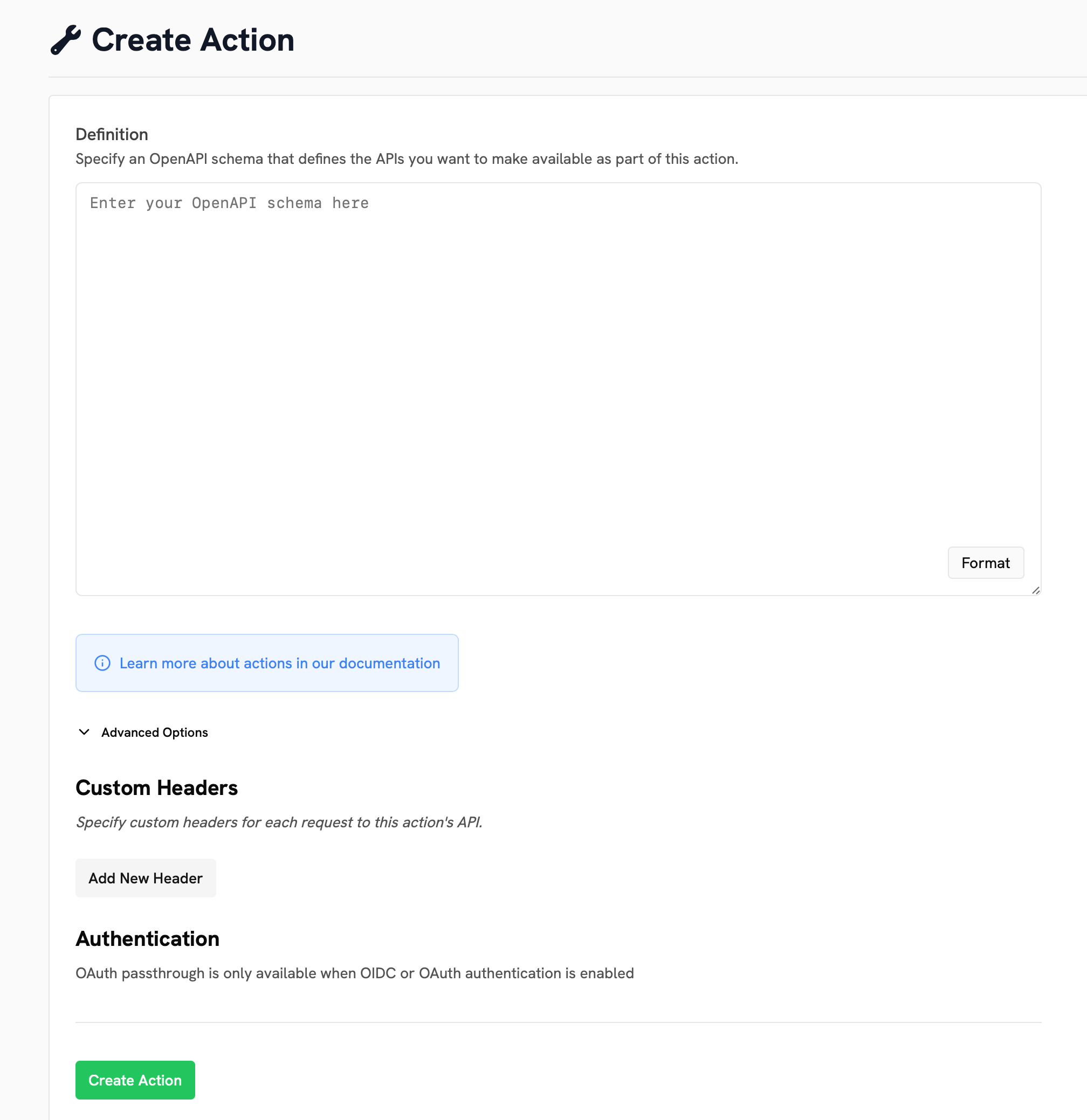
Example
The below OpenAPI spec can be used to create a Custom Action for fetching and creating Agents in Gorbit.OpenAPI